


When a label or flexible-packaging job develops streaks, weak colour, dirty highlights or registration drift, the cost is more than rejected sheets or film: troubleshooting can interrupt production and consume ink, substrate and machine time. The best response is not to adjust every press setting at once. It is to identify the defect, isolate the likely cause and test one variable at a time.
This practical guide explains seven common flexographic printing defects, what to inspect first and how printers in Bangladesh can build a repeatable quality-control routine. It applies broadly to compatible narrow-web label presses and other flexographic lines, but the correct settings always depend on your ink system, substrate, press and suppliers’ specifications.
Quick diagnosis: match the symptom to the first inspection
| Visible symptom | First areas to check |
|---|---|
| Dirty highlights or filled-in fine type | Plate condition, impression pressure, ink drying and anilox selection |
| Weak or inconsistent colour | Anilox cleanliness/volume, ink condition and metering |
| Longitudinal streaks or lines | Doctor blade edge, chamber seals, debris and alignment |
| Pinholes or missing print | Substrate surface, contamination, ink wetting and transfer |
| Faint repeated image (ghosting) | Ink supply/replenishment, anilox and chamber conditions |
| Slur or register drift | Web tension, impression, cylinders and mechanical stability |
| Poor rub or adhesion resistance | Ink/substrate compatibility, surface treatment and drying/curing |
1. Dirty print and excessive dot gain
What it looks like: Small highlight dots fill in, reverse text closes up, and fine detail looks heavier than the approved proof.
Possible causes: Excessive impression, a plate or mounting tape that does not suit the job, an incorrect anilox-to-plate combination, or ink drying on the plate. Ink viscosity and, for applicable water-based systems, pH may also affect behaviour.
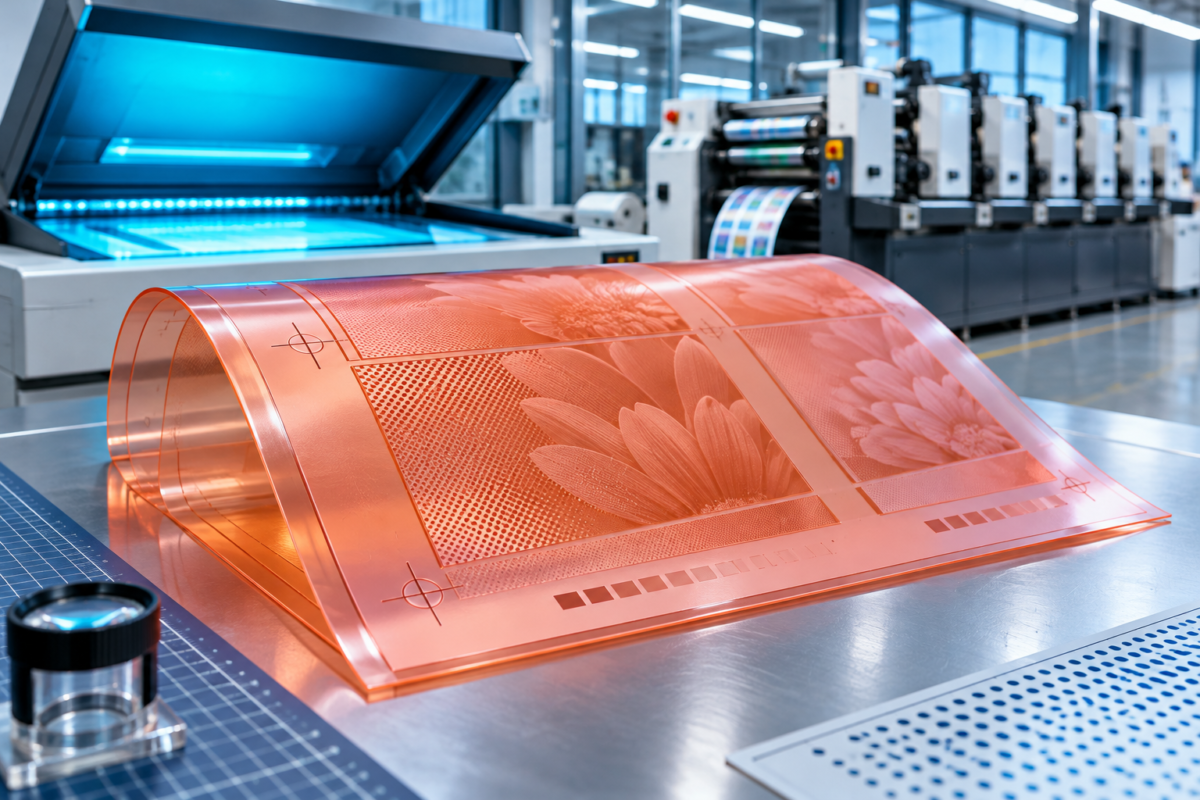
What to do: Return to the press manufacturer’s recommended kiss-impression procedure, inspect the plate under magnification, confirm the correct anilox specification and measure ink condition rather than diluting by guesswork. Clean the plate with the approved chemistry. If the symptom remains, document the result and involve the plate or ink supplier.
2. Weak colour density or inconsistent solids
What it looks like: Flat-looking solid areas, lighter-than-target spot colours or colour strength that changes during a run.
Possible causes: Dried ink obstructing anilox cells, worn or unsuitable anilox volume, changes in viscosity, inadequate ink circulation, or inconsistent plate contact.
What to do: Compare the current sample with an approved standard; check the ink batch and measurement method; inspect anilox cells and the chamber; and follow the roller manufacturer’s approved cleaning process. Do not compensate for a plugged anilox simply by increasing impression pressure. Anilox cell condition and ink volume are central to repeatable transfer.
3. Doctor blade streaks and unwanted lines
What it looks like: Continuous streaks running in the web direction or recurring lines in an otherwise uniform solid area.
Possible causes: A damaged or improperly seated blade, debris lodged at the blade edge, worn end seals, an incorrectly aligned chamber or unsuitable blade pressure.
What to do: Stop and isolate the affected print station using the equipment’s safe maintenance procedure. Inspect the blade, holder, chamber and seals; replace damaged consumables; clean the chamber and confirm alignment according to the OEM. Avoid excessive pressure, which can accelerate blade and anilox wear.
4. Pinholes, voids and missing print
What it looks like: Small unprinted spots, breaks in a solid colour or scattered missing image detail.
Possible causes: Dust or contamination on the substrate or plate, inappropriate ink wetting, static, irregular substrate surface energy or poor transfer conditions.
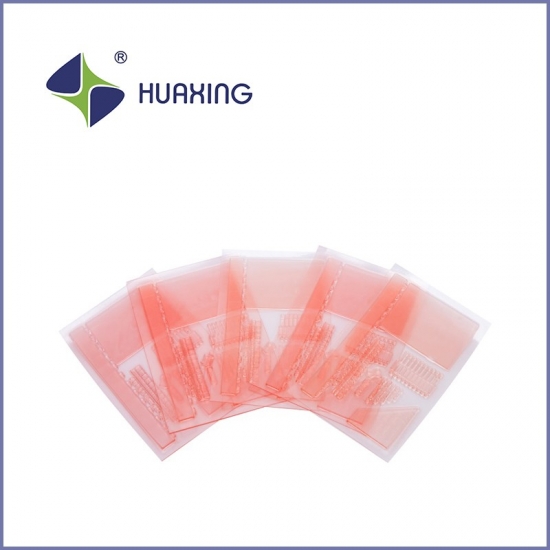
What to do: Inspect a fresh roll of substrate and compare it with the problematic roll. Check web cleaning, static control, plate surfaces and ink formulation. For applicable film jobs, confirm surface treatment and dyne-level requirements with the ink/substrate supplier rather than assuming that every plastic film behaves alike.
5. Ghosting and uneven ink replenishment
What it looks like: A pale repeat or shadow of a previous image, often more obvious in large solids or high-coverage designs.
Possible causes: Ink starvation at the anilox, inadequate circulation, a dirty roller, incorrect ink delivery, or drying behaviour that does not match press speed and the job.
What to do: Check the recirculation path, ink levels, chamber condition and anilox cleanliness. Compare the issue at controlled speeds while keeping other variables constant. If the defect follows a particular unit, focus on that unit’s metering and ink supply before changing the entire press setup.
6. Registration drift and print slur
What it looks like: Colours no longer align, edges look doubled, or printed dots appear stretched in the machine direction.
Possible causes: Unstable web tension, cylinder or sleeve runout, excessive impression, mechanical vibration, worn components or mismatch between plate and mounting tape.
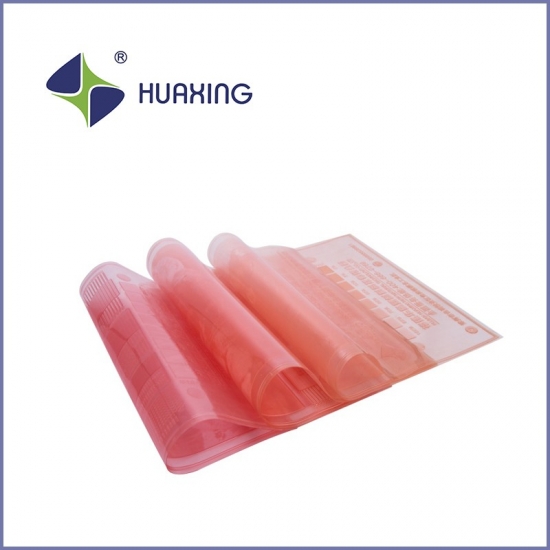
What to do: Review tension settings across unwind, printing and rewind; confirm register sensor performance; inspect plate mounting and cylinders; and use press test targets to distinguish slur from register movement. Make mechanical adjustments only through qualified operators and the equipment manufacturer’s procedure.
7. Poor ink adhesion, rub resistance or incomplete drying
What it looks like: Ink scratches or rubs away, smudges after winding, or fails the converter’s approved adhesion test.
Possible causes: An ink unsuitable for the substrate, insufficient surface treatment, residual solvent or moisture, inadequate dryer performance, or—in UV-curable systems—insufficient curing under the actual production conditions.
What to do: Confirm the exact substrate grade and ink technical data sheet; verify treatment, ventilation and dryer or curing parameters; and perform the application-appropriate adhesion and rub tests after the required conditioning time. For packaging with food-contact requirements, seek documented compliance guidance from qualified suppliers before production approval.
A five-step troubleshooting workflow for press operators
- Record the defect: Photograph the print and note job code, substrate, ink batch, plate, anilox, press speed and time of occurrence.
- Isolate its location: Determine whether the problem is tied to one colour station, one web roll or the full job.
- Measure before changing: Inspect ink viscosity and other supplier-specified parameters, web tension, dryer conditions, anilox condition and impression.
- Change one parameter: Document the adjustment, run an appropriate controlled sample and compare it with the approved target.
- Preserve the solution: Update the job sheet and maintenance record so the next shift can reproduce the result.
Preventive maintenance checklist
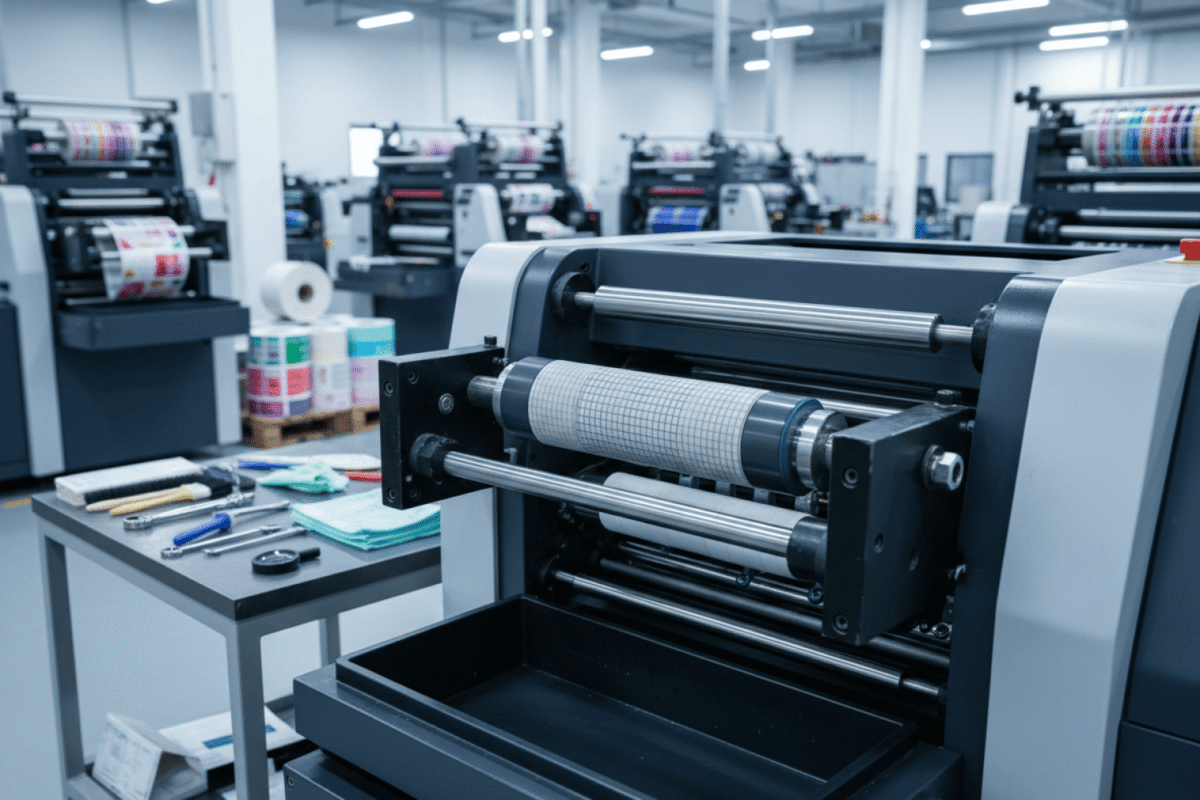
- Inspect and clean anilox rollers using supplier-approved materials and procedures; never use tools that could damage their ceramic surfaces.
- Examine doctor blades, seals, ink chambers and filters at planned intervals.
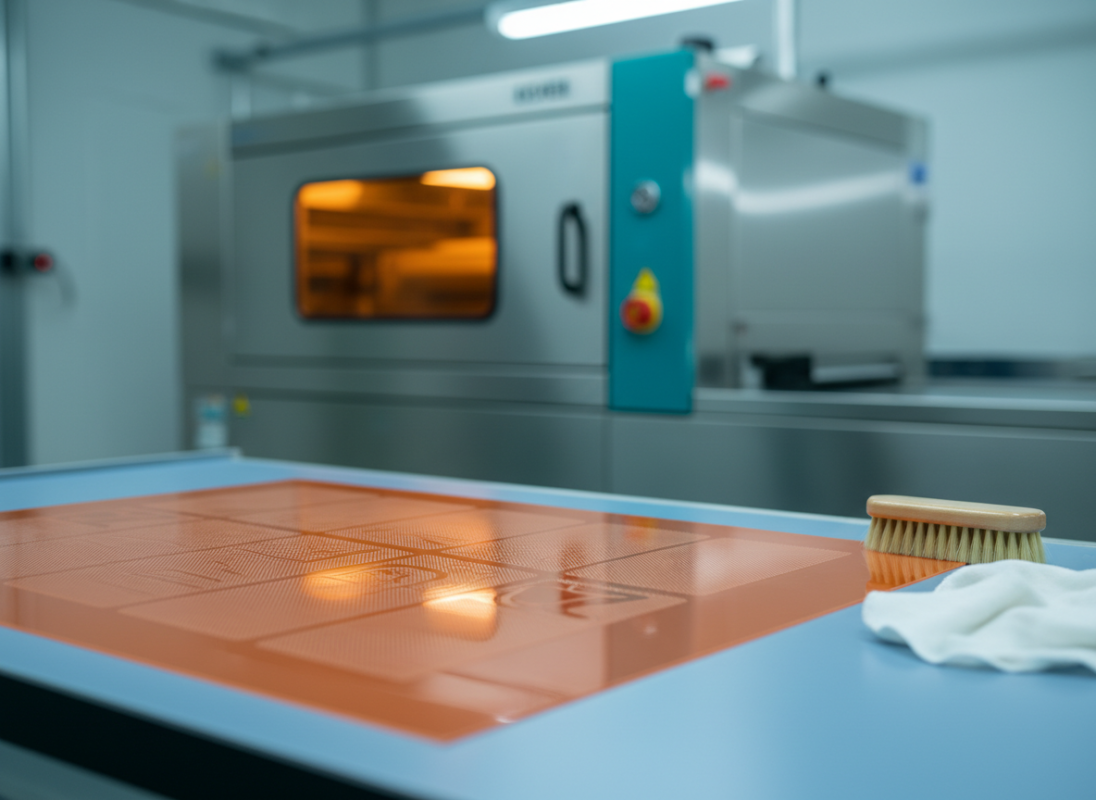
- Keep mounting surfaces, plates and substrate-handling areas clean.
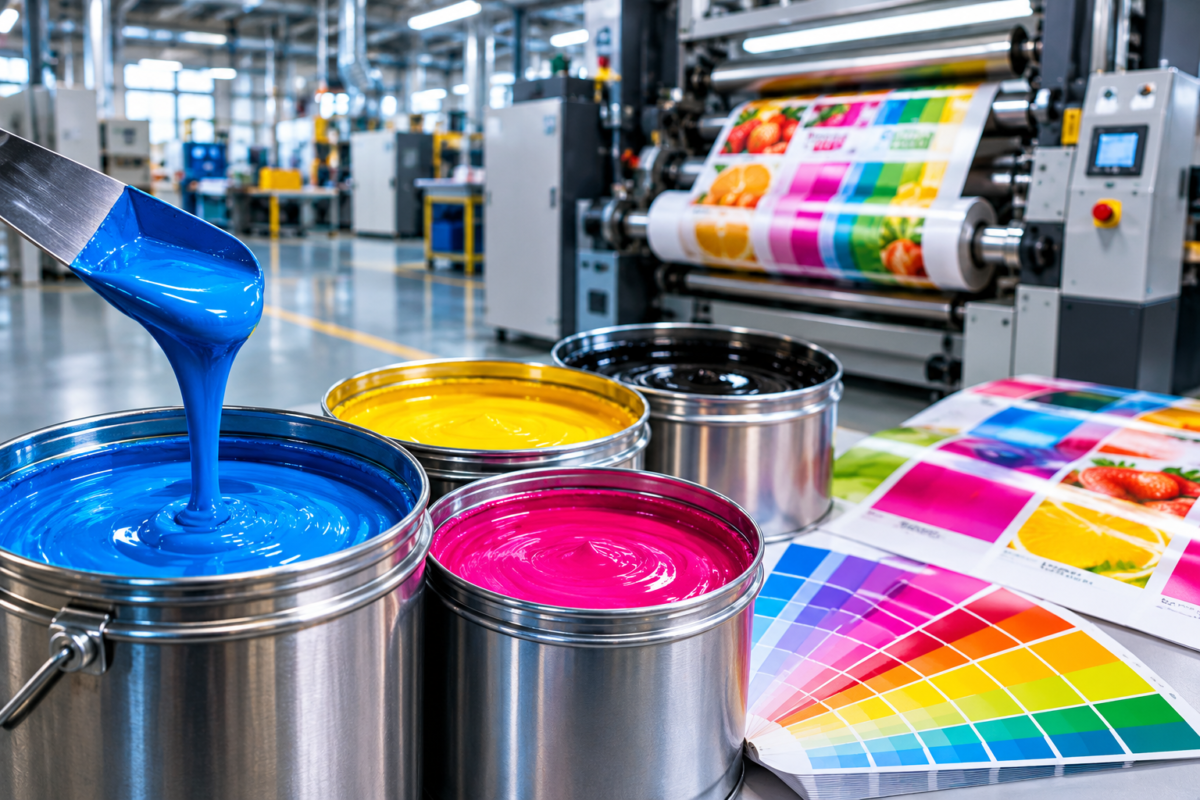
- Monitor ink condition and follow the specific ink manufacturer’s handling, replenishment and storage guidance.
- Calibrate or verify the measuring tools used for viscosity, colour, tension and curing checks.
- Review operator training and establish a clear approval standard for first-off samples.
Safety reminder: Before cleaning or opening guards, follow your machine’s lockout/isolation procedure and the ink and cleaning-chemical safety data sheets. Control ignition sources and ventilation as required for solvent systems. This guide is not a substitute for the OEM maintenance manual.
Frequently asked questions
What is the most common cause of weak colour in flexographic printing?
There is no single cause for every job. A dirty or worn anilox, unsuitable ink condition and incorrect metering are high-value first checks. Compare measurements and the approved reference before adjusting press pressure.
Can one anilox roller work for every label design?
Not reliably. Fine highlights, solids, ink type and plate screening may demand different line-screen and cell-volume combinations. Confirm the selection with your plate, ink and anilox suppliers.
Should I increase impression pressure when print looks faint?
Not as a first response. Excess pressure may create dot gain, slur or plate wear. Check ink delivery, anilox condition and settings before making any measured impression adjustment.
How should a Bangladeshi converter choose replacement consumables?
Provide the supplier with the press model, substrate, ink system, operating conditions, print samples and existing component specifications. Matching the application is more useful than choosing solely on price.
Related reading from Materials Index BD
- Types of Printing Inks: A Guide for Labels and Packaging
- Printing and Converting Machinery Buying Guide Bangladesh
- CTP Plate Developers and Consumables: Maintenance Guide
Need help selecting a printing solution?
Materials Index BD works with printing and converting machinery, printing plates, inks and related consumables for businesses in Bangladesh. Share your press model, substrate, printing method and technical requirements so the team can discuss suitable product options. Contact Materials Index BD to start an enquiry.
Technical references
This article is general troubleshooting guidance informed by resources from Flexographic Technical Association, Harper Corporation, DuPont Cyrel, and Siegwerk. Always use the specifications and safe procedures applicable to your equipment and materials.