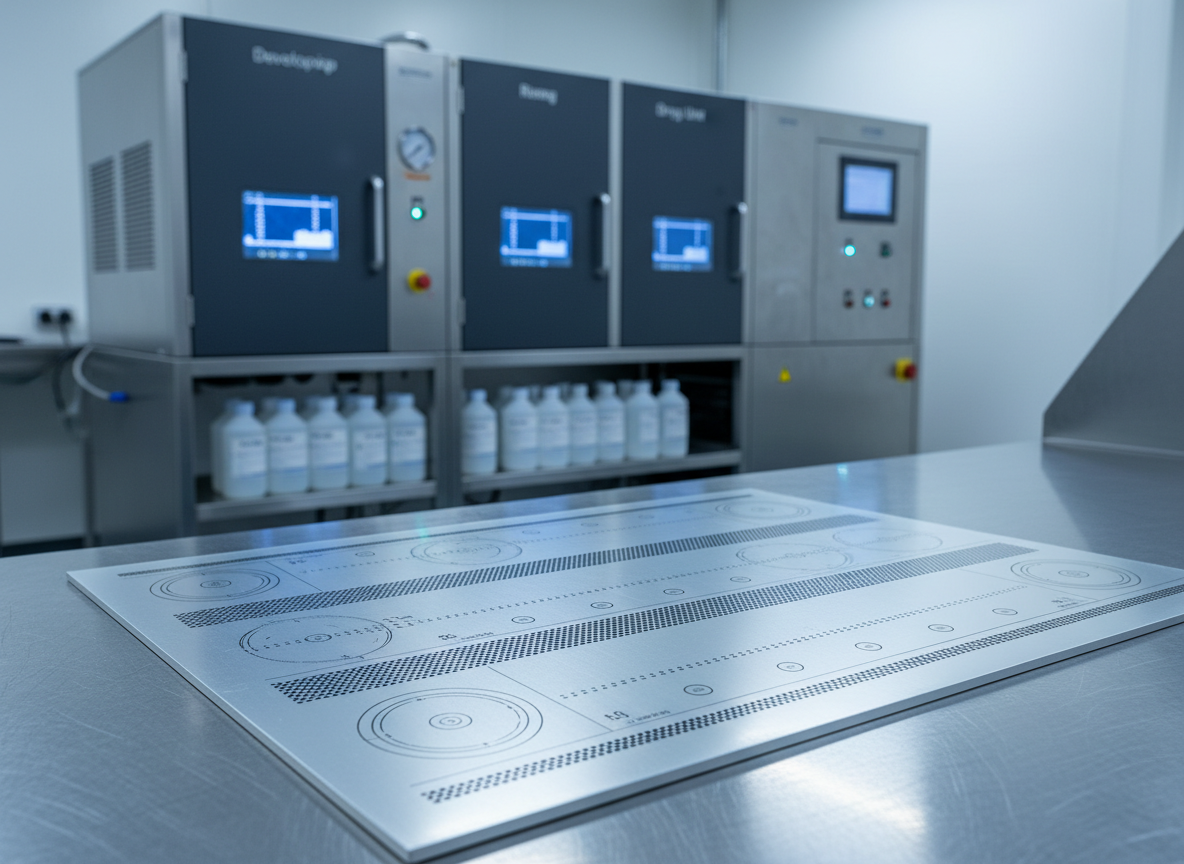
A CTP plate can leave the imaging unit looking correct yet develop stains, missing highlights or streaks during processing. For commercial printers and prepress teams, CTP plate processing defects cause plate remakes, press downtime and wasted consumables. This guide shows how to identify common symptoms, isolate likely causes and maintain a dependable quality-control process.
First: identify which plate process you use
CTP means computer-to-plate. Not every CTP plate requires the same chemical workflow. Some thermal or violet plates need a compatible developer and replenisher, some use simplified finishing, and some process-free systems dispense with conventional off-press development. Before troubleshooting, identify the exact plate brand and grade, processor model, working chemistry and manufacturer-approved settings.
Unwanted background marks may become obvious during inspection or once a plate goes on press. Possible factors include incomplete removal of non-image coating, contaminated chemistry, weak washing, incorrect gumming or, on press, dampening-related conditions. Establish whether the stain is visible directly after processing; that separates a prepress issue from a problem appearing only on press.
What to check: plate control strip, developer condition, wash section, finishing gum and the compatibility of the plate with the processor recipe. Never assume the cause is chemical without inspecting the plate before mounting.
2. Weak or missing fine image detail
Highlight dots, thin rules or fine screening may disappear because of incorrect imaging, unsuitable processing conditions or excessive development for the plate system. Verify the imaging device and RIP calibration first. Then compare developer temperature, contact time, replenishment and control-strip measurements with the manufacturer’s specifications.
3. Uneven development across the plate
A plate showing different image strength across its width may indicate poor chemical circulation, worn or contaminated brushes, uneven transport pressure or inconsistent imaging. Compare multiple locations on the plate, check equipment service logs and inspect the transport path after safe shutdown.
4. Roller marks and mechanical scratches
Parallel lines, scratches or repeat marks can originate from dirty rollers, trapped particles, improper guide alignment or poor handling. Examine the plate before and after processing to identify where damage occurs. Mechanical servicing must be carried out by trained staff after appropriate equipment isolation.
5. Streaks, spots or deposits
Particles, sludge, spray problems or dirty rinse sections can leave visible defects. Check approved filters, circulation, wash-water condition and cleaning schedules. Replace filters and working solutions according to the equipment supplier’s instructions rather than applying arbitrary replacement intervals.
6. Developer activity drifts during a shift
A process that works at the start of a shift but becomes unstable may have unsuitable replenishment, a depleted bath, oxidation, contamination or changed plate throughput. Record the processor’s actual consumption and relevant control indicators. Depending on the chemistry, a supplier may specify conductivity, pH or a different analytical method; none of these is a universal substitute for plate testing.
7. Patchy or excessive finishing gum
Gumming protects compatible plates after development, but an incorrect gum product or malfunctioning application unit may cause deposits or inconsistent protection. Fujifilm lists different developer, replenisher and finishing products for particular CTP plate systems: see its CTP chemical product reference. Select gum according to the plate manufacturer’s instructions.
8. Plates fail after storage
A plate that looked acceptable on processing day may perform poorly after improper storage, excessive handling, contamination or unsuitable protection. Keep processed plates clean, dry and protected as specified for the particular grade; log the processing and storage dates, and inspect stored plates before a repeat run.
CTP defect troubleshooting table
Observed symptom
Investigate first
Practical verification
Staining after processing
Development, rinse, gum
Inspect a fresh test plate and review approved process settings
Fine dots disappear
Imaging exposure, processor recipe
Compare platesetter control data and process strip
Uneven image across width
Circulation, brushes, transport
Check width-wise uniformity and maintenance records
Repeating lines or scratches
Rollers, guides, particles
Compare plate before/after processor and safely inspect path
More problems late in shift
Bath activity, replenishment
Trend approved control measurements and throughput
Storage-related staining
Gum, handling, environment
Retest a fresh plate and compare with stored batch
A five-step diagnostic workflow
Quarantine the affected batch. Keep a representative defective plate and retain plate, chemistry and job identifiers.
Inspect the process stage. Determine whether the defect appears after imaging, after processing or only after mounting on press.
Measure against manufacturer standards. Use the approved plate control strip and processor specifications, not a guessed temperature, pH or replenishment rate.
Change one variable at a time. Record every intervention and repeat an identical test image to confirm whether performance improves.
Document the resolution. Update the prepress checklist so the same issue can be identified earlier next time.
Consumables to keep under control
Even with a well-calibrated platesetter, recurring defects can originate in neglected consumables. A prepress team should maintain a documented stock and replacement plan for developer, replenisher, compatible finishing gum, approved cleaning agents, filters and wear components where its processor requires them. Do not assume a chemical marketed for one plate or processor is suitable for another.
Higher-efficiency low-chemistry systems may use different replenishment and maintenance approaches. Fujifilm’s description of automated replenishment control in plate processors is an example of why machine-specific process design matters.
Safety and disposal considerations
Consult current safety data sheets (SDS), use required protective equipment, label storage containers and avoid mixing unknown chemistry. Waste developer, wash water and chemical residues must be managed under applicable local requirements and the supplier’s instructions. Never dispose of process chemicals simply on the assumption that they are diluted or water based.
Frequently asked questions
How do I know whether the developer is exhausted?
Use the plate and chemistry manufacturer’s defined test method together with process history. Visual color or a single pH reading is not a reliable universal measure.
Can I switch between thermal and violet CTP developer?
Not without explicit approval for the exact plate system. Imaging chemistry and processor requirements differ.
Why do defects appear only after printing starts?
Some issues arise from ink, blanket, dampening and press setup rather than plate processing. Compare the plate immediately after processing with how it behaves on press to avoid replacing the wrong consumable.
Conclusion
Reliable CTP quality comes from identifying the defect at the correct production stage and comparing measurements against the plate manufacturer’s approved process. Keep the chemistry, transport system and storage conditions under control, and record test-plate outcomes so that troubleshooting is repeatable.