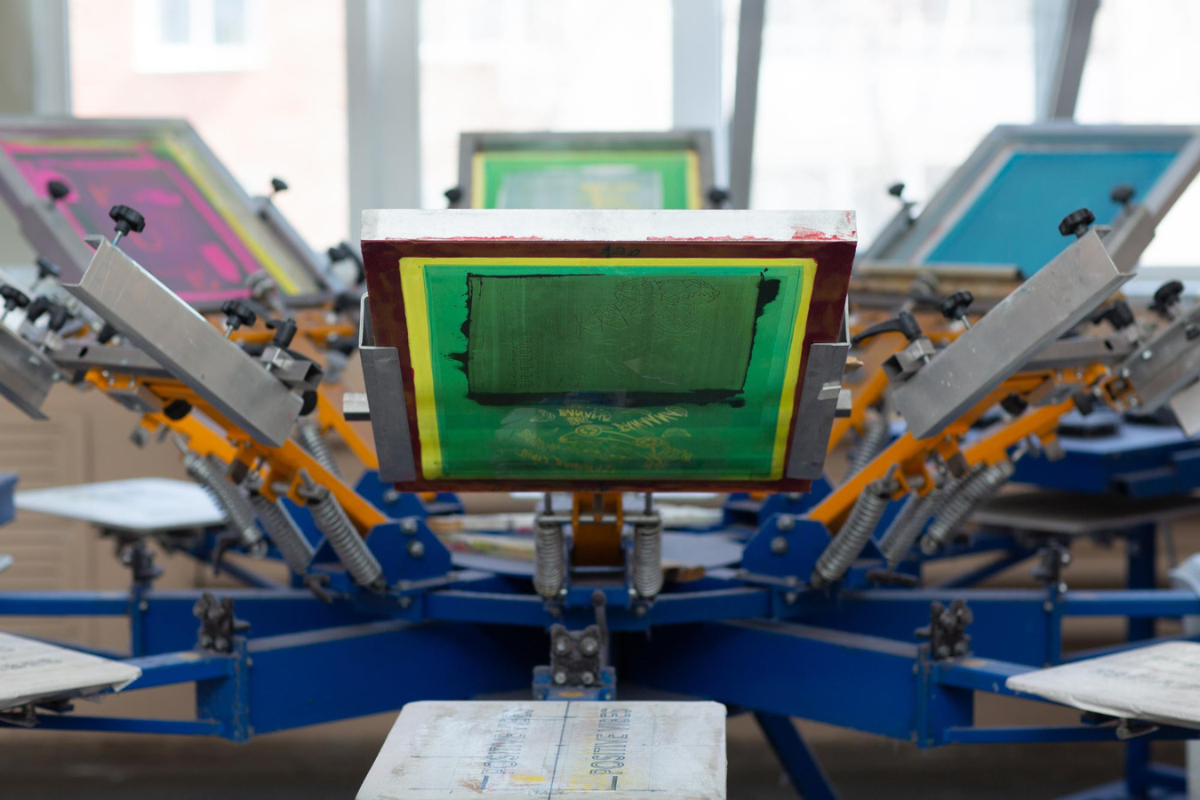
A flexographic printing plate is a reusable production asset, but its performance can deteriorate when dried ink, unsuitable cleaners or careless storage damages the image surface. A documented flexographic plate cleaning and storage routine helps protect fine highlight dots, maintain consistent ink transfer and reduce avoidable remakes for label and packaging printers.
Why cleaning flexo plates matters
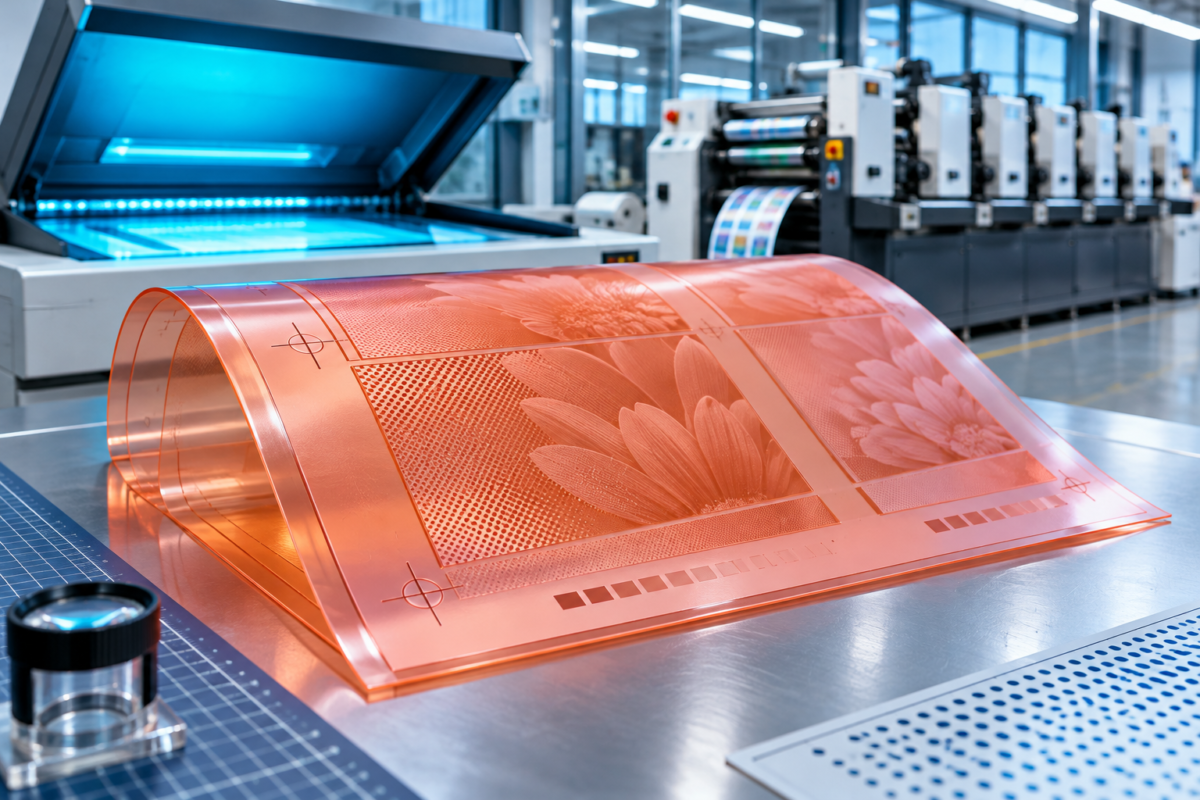
Photopolymer plates contain delicate raised image areas that transfer ink to the substrate. Dried ink can clog small features or require aggressive removal, while some cleaning chemicals may swell or weaken a plate. DuPont’s plate-cleaning guidance emphasizes prompt cleaning, chemical compatibility, nonabrasive tools and complete drying before storage.
This guide covers cleaning a processed plate after printing. It is not the same process as washing out unexposed material while manufacturing a new plate. Plate-making washout systems need their own manufacturer-approved chemistry and operating instructions.
Step-by-step plate cleaning checklist
1. Identify the plate, ink and approved cleaner
Record the plate manufacturer, grade, printing ink family and any compatible cleaning products. Water-based, solvent-based and UV-curable inks can leave different residues. A cleaner safe for one plate-ink combination may not suit another; consult technical data sheets and follow the supplier’s compatibility recommendations.
2. Clean promptly after the press run
Where the operating procedure permits, remove residual ink before it hardens. Inspect the plate for damage before cleaning. If ink has dried, avoid forceful scrubbing; use the approved cleaner and dwell procedure stated by the plate or ink supplier.
3. Use gentle, nonabrasive materials
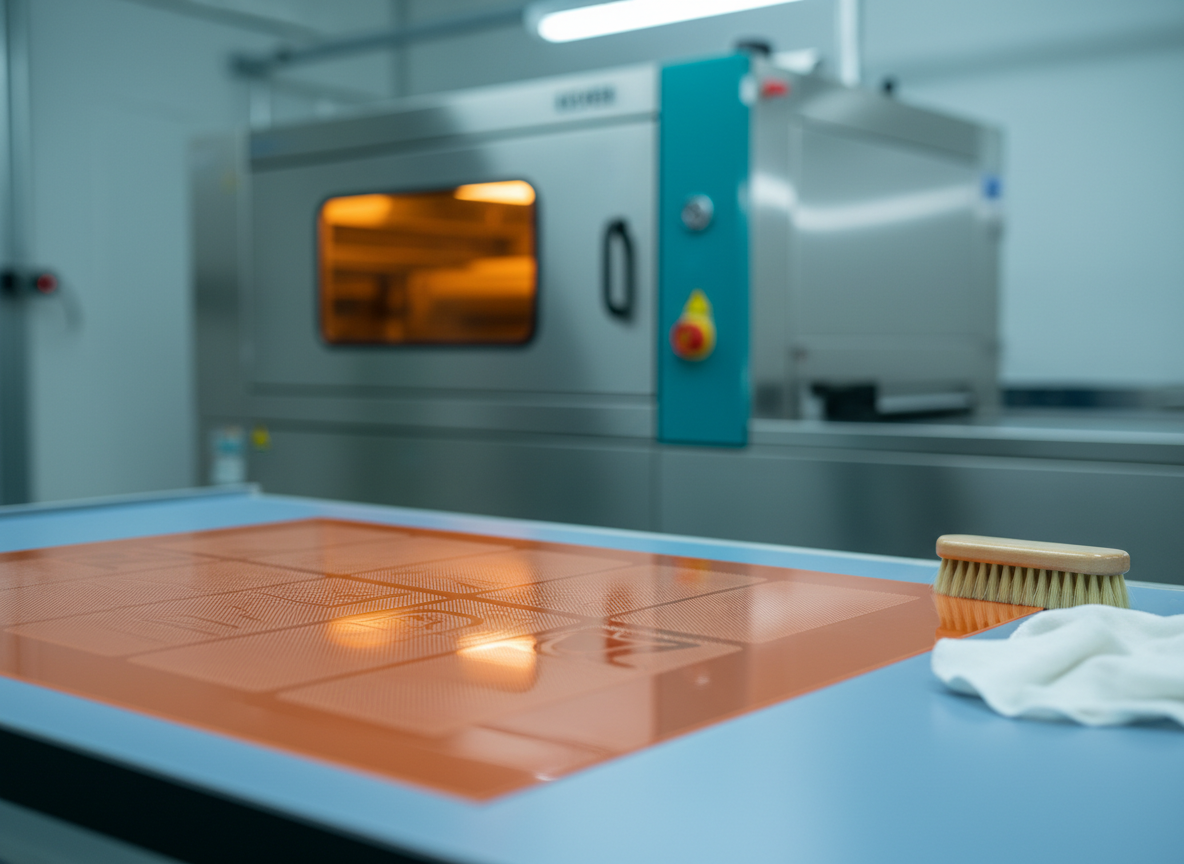
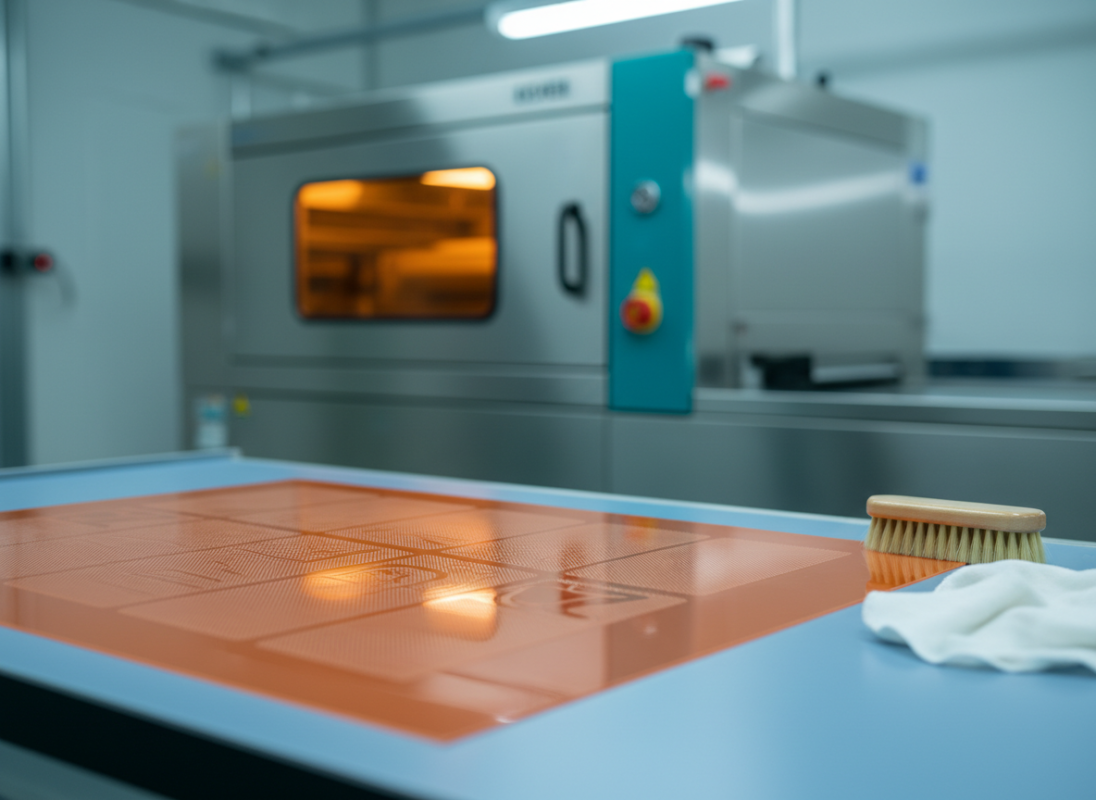
Use a compatible soft sponge, approved soft brush or lint-free cloth. Avoid stiff bristles, nylon abrasives, sharp implements and dirty shop rags, which can damage relief features. Do not assume more pressure will improve cleaning.
4. Control chemical contact and rinse correctly
Apply the approved amount of cleaner and follow the supplier’s recommended contact time. Excessive immersion or incompatible solvents can affect plate dimensions or resilience. Rinse only when the approved cleaning procedure calls for it, using the specified liquid and method.
5. Dry fully before storage
Moisture and retained solvents can lead to problems during storage and reuse. Allow the plate to dry under approved conditions, away from unplanned heat and damaging light. Do not stack wet plates or seal solvent-wet plates in storage bags.
6. Inspect before reusing
Check for scratches, broken dots, swelling, dimensional changes and residual ink, especially in reverse text and small screened areas. Where quality requirements are strict, compare the cleaned plate with an approved proof or first-run print sample.
Manual cleaning vs automatic plate washing
Consideration
Manual cleaning
Automatic plate washing
Consistency
Depends on operator technique and control
Repeatable when correctly calibrated and maintained
Initial equipment cost
Lower capital investment
Requires compatible washer investment
Risk of physical damage
Can rise with abrasive handling
Depends on approved brush, pressure and cycle
Process control
Log chemistry, handling and time
Log chemical concentration, maintenance and cycle
Best-fit use
Small volumes or specific touch-ups
Repeatable workflows with compatible plate types
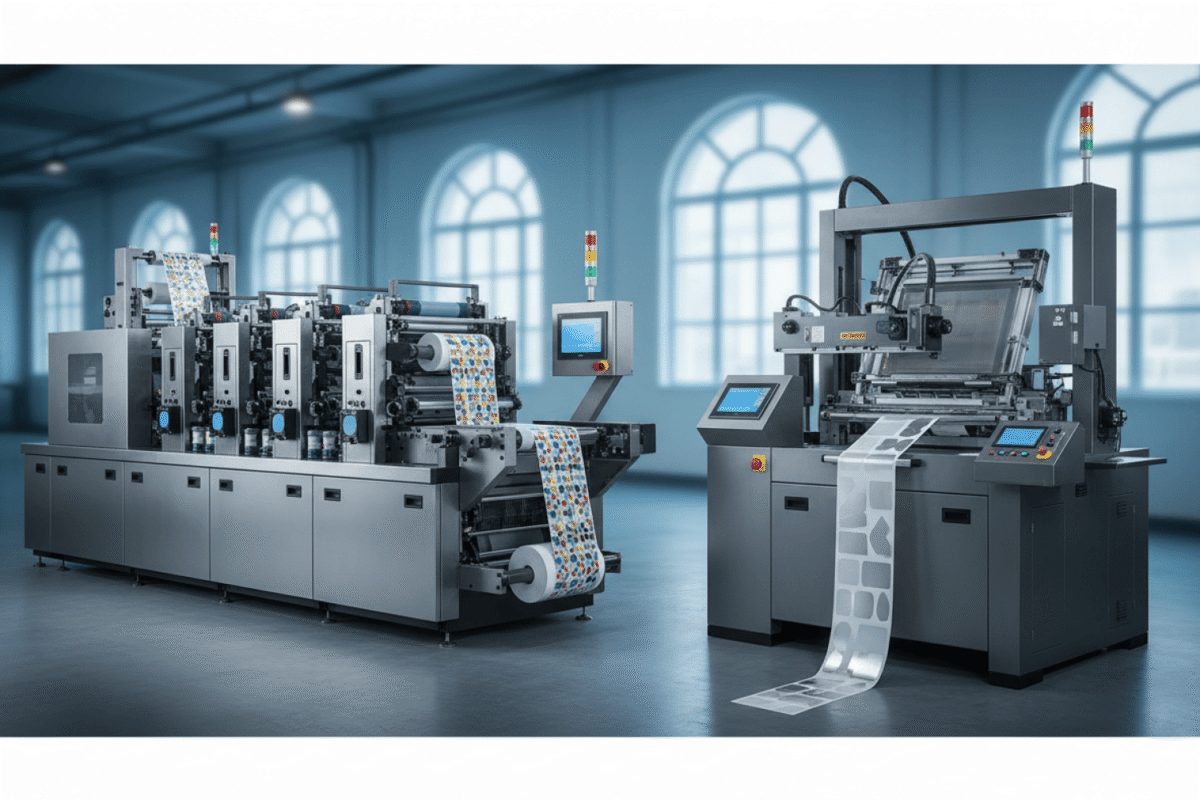
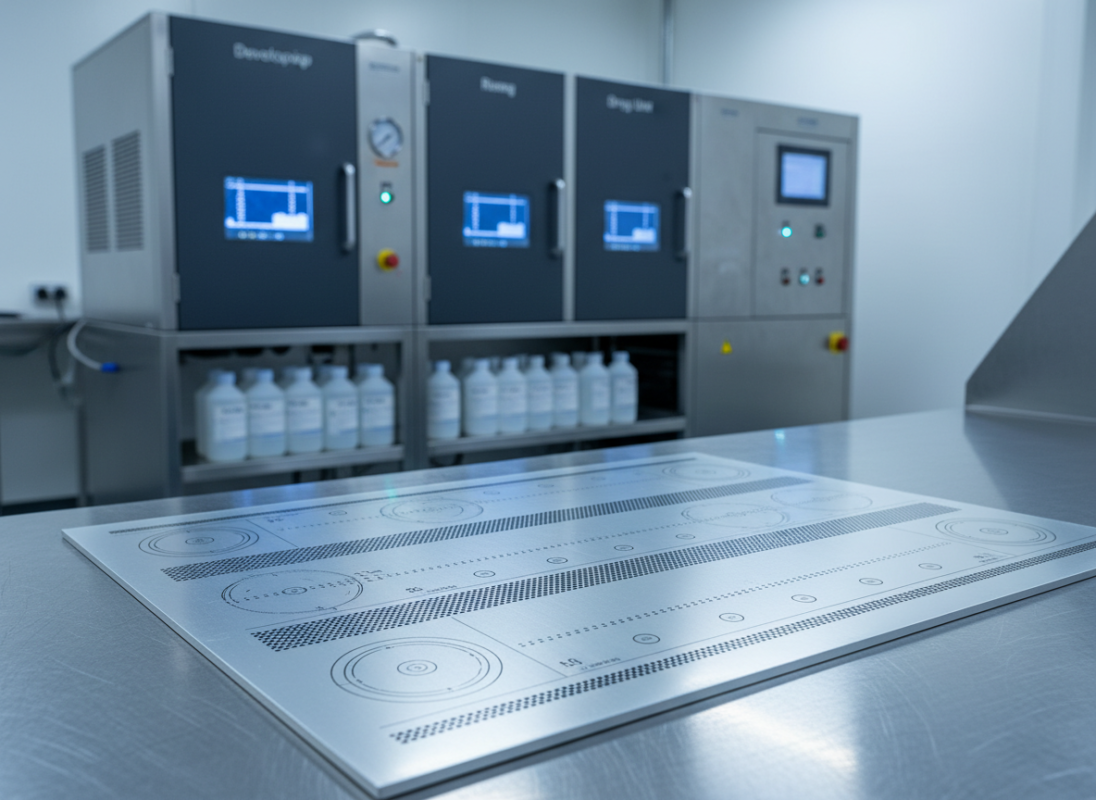
Automatic washing is not automatically safer for every plate. Confirm the washer accepts the plate’s dimensions, backing, relief depth and recommended cleaning chemistry. Our catalogue includes the HY-SZB950 automatic flexo plate washing machine; verify whether its listed configuration meets your workflow before purchase.
Cleaning consumables checklist for a flexo pressroom
Plate-manufacturer-approved cleaning liquid for the specific plate and ink family.
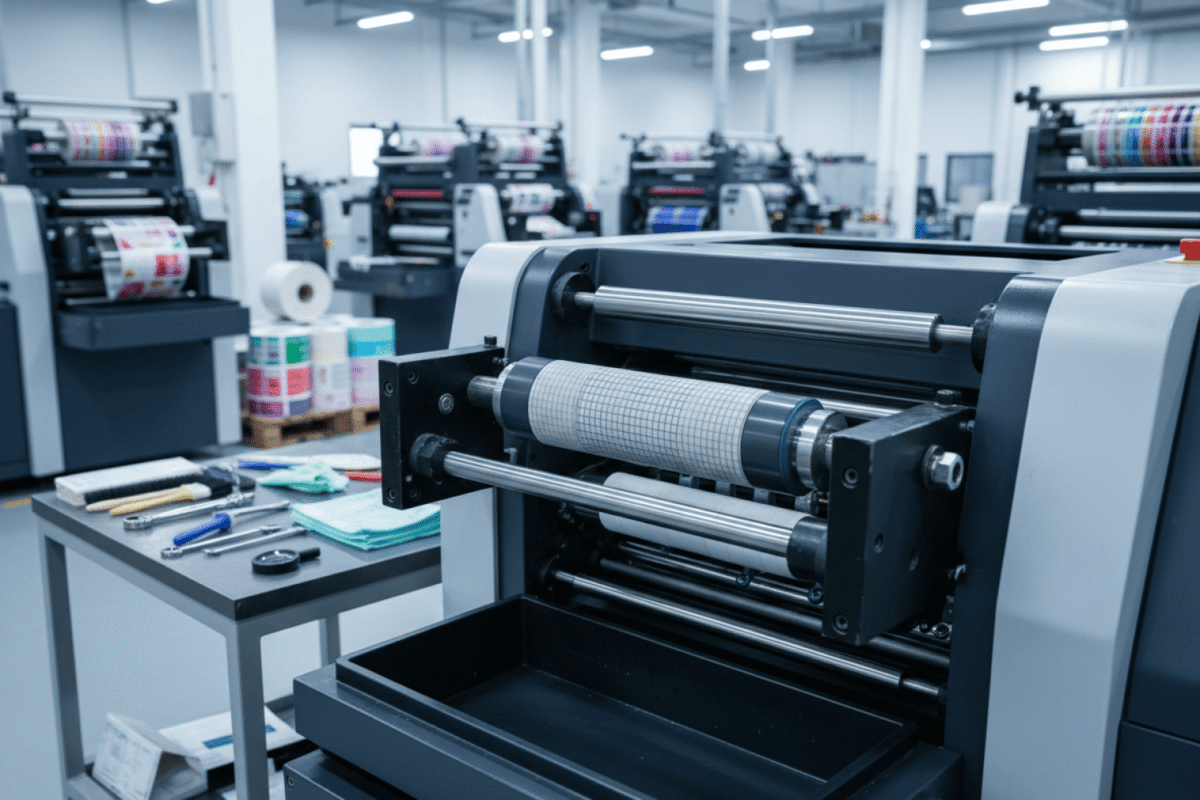
Clean, soft wiping materials or suitable brushes that do not abrade the relief surface.
Approved washer filters, replacement brushes and other wear parts where applicable.
Clean protective sheets or interleaving material for finished plates.
Identification labels and a log of press runs, cleaning dates and observed damage.
Required personal protective equipment, safety data sheets and labelled waste containers.
How to store flexographic printing plates
Protect from light, heat and ozone
Finished photopolymer plates should be stored using the manufacturer’s specified packaging and environment. Excessive UV exposure, extreme temperatures or ozone exposure can affect some plate types. Avoid storage beside strong heat sources or equipment that produces ozone.
Prevent deformation and physical damage
Where approved, store plates flat with suitable interleaving or use the manufacturer’s designated storage system. Avoid heavy stacks, bent edges and pressure points that can imprint or deform the relief. Follow instructions for storing plates mounted on cylinders or sleeves.
Maintain traceability
Label each job and keep a record of plate grade, date, press, ink and previous cleaning cycles. A repeat job can then be matched to its original setup. Discard or reprocess plates only after an authorized quality assessment.
Separate plate cleaning from plate-making washout
The washout stage used during photopolymer plate production removes selected unexposed material after imaging. Water-washable and solvent-washable plate formulations are different technologies; the cleaning liquid and plate-making machinery must be compatible with the chosen plate grade. For example, Asahi describes water-washable flexographic plates alongside a separate range of solvent-washable plates.
Can a flexo plate be cleaned with any industrial solvent?
No. A solvent that removes ink may still attack a photopolymer plate. Use only a cleaner approved for that plate and ink combination.
Should I clean plates immediately after printing?
In general, prompt cleaning helps prevent dried ink buildup, provided the plate supplier’s cleaning procedure and safe handling requirements are followed.
Can water-washable plates be washed in any water-based machine?
No. Water-washable is a plate-processing category, not a guarantee of universal equipment or chemistry compatibility.
Conclusion
Consistent flexo plate cleaning and storage can help preserve print quality and the value of reusable plates. The essentials are approved chemistry, gentle tools, complete drying, protected storage and thorough records.