A flexographic printing machine maintenance checklist is more than a cleaning schedule. Consistent print quality also depends on the condition of the anilox rollers, doctor blades, web path, ink system, drying equipment and safety devices. For narrow-web label printers and packaging converters, routine preventive maintenance can reduce avoidable downtime and help production teams find issues before they become rejects.
Build a maintenance plan around your machine
Before setting a schedule, record the exact press model, ink technology, production hours, substrate and operating environment. A ribbon-label press and a high-speed flexible-packaging press can require different service intervals. Treat the schedule below as a practical framework; the manufacturer’s manual, risk assessment and qualified maintenance team set the actual procedures and intervals.
Check safety guards, emergency stops and the visible condition of cables and hoses according to approved site procedures.
Inspect the web path for debris, obvious roller damage or loose material, without reaching into moving equipment.
Confirm plate and cylinder identification, mounting integrity and planned print repeat.
Check approved ink properties and the correct substrate/roll orientation.
Review previous-shift alarms, abnormal noises, leaks and work orders.
Complete an approved start-up test and compare register and color to the job standard.
After the job or shift
Follow the approved shutdown, isolation and clean-down procedure. Remove ink residue before it becomes hard to clean, then inspect accessible ink chambers, pumps, filters, doctor blades and anilox rollers as specified by the pressmaker. Use materials proven safe for the roller surface and printing plates; indiscriminate scraping or aggressive cleaning can cause permanent damage.
Weekly preventive maintenance
Weekly tasks are best completed during planned shutdowns by trained personnel. Inspect for leaks, blocked filters, uneven roller wear and ink-system contamination. Check web-guides and tension sensors, remove documented buildup and examine print cylinders and sleeves for damage.
Doctor-blade condition deserves attention. A worn or misaligned blade can contribute to streaks, leakage and inconsistent ink metering. The Flexographic Technical Association recommends planned doctor-blade system alignment checks and keeping blade holders clean and mechanically sound.
Monthly and periodic tasks
Assign qualified technicians to periodic inspection of mechanical alignment, bearings, drive belts, electrical connections, pneumatic components, exhaust or curing systems and machine safety interlocks. Any lubrication or calibration must follow the model’s specified products, methods and torque values. Never bypass guards or open electrical panels during production.
Track actual operating hours and condition trends to set appropriate intervals, rather than using one arbitrary replacement cycle for every press. A small shift-running plant and a continuous plant have different wear patterns.
Doctor-blade/chamber inspection, filters, web path
Operator with maintenance team / defect log
Monthly or by run hours
Mechanical wear, drive system, sensors, dryer and guarding
Qualified technician / maintenance work order
Per OEM service interval
Calibration, worn parts, electrical and safety-system verification
Authorized service personnel / service report
Five components that commonly affect print quality
1. Anilox rollers
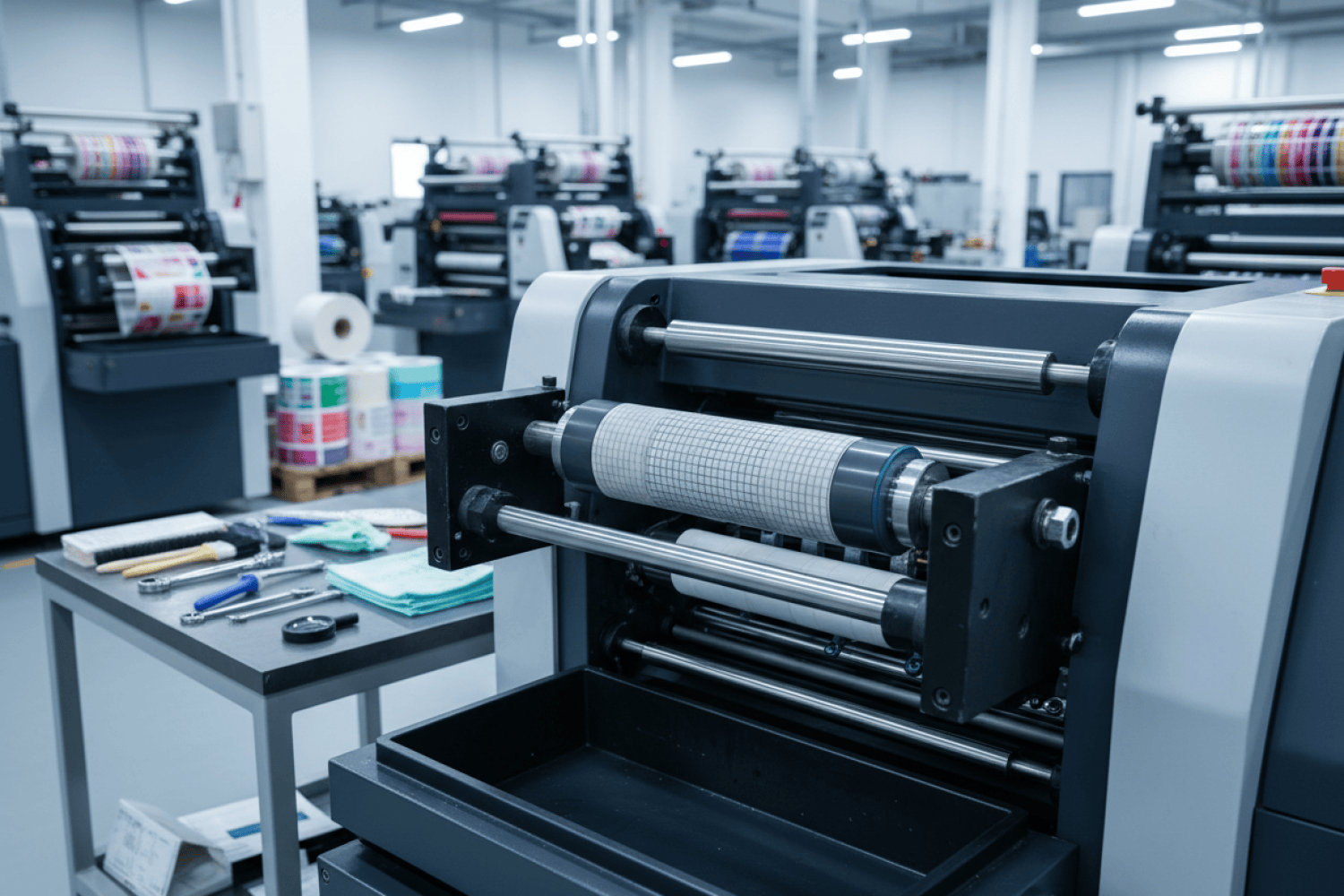
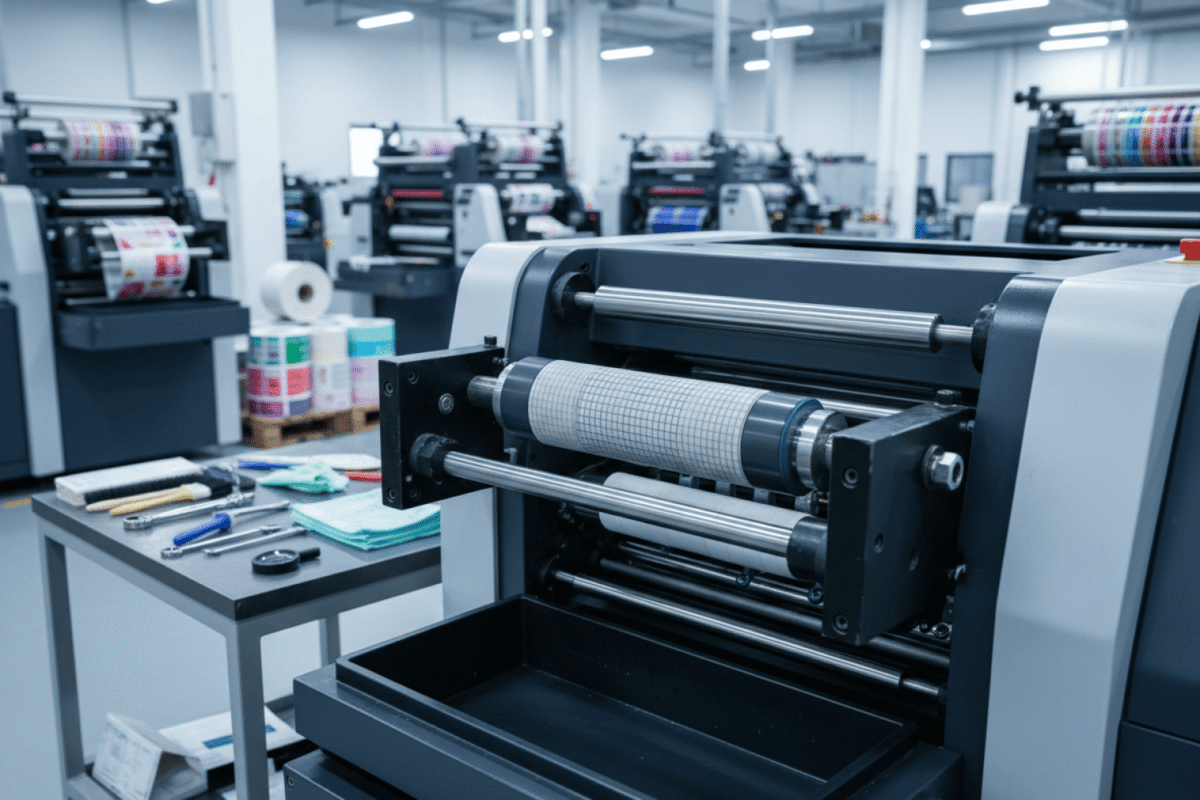
Anilox cells meter the amount of ink delivered to the plate. Dried residue may reduce effective transfer and contribute to weak or unstable color. Keep a record of each roller’s identification and condition, and use its maker’s approved cleaning method. Abrasive tools or incompatible chemistry may damage the surface.
2. Doctor blades and ink chambers
Inspect blades and chamber seals for leakage, uneven wear and damage. Blade alignment, materials and clamping should conform to the manufacturer’s requirements. Schedule replacement based on condition, run hours and process history, with safe handling of sharp edges.
3. Printing plates and mounting
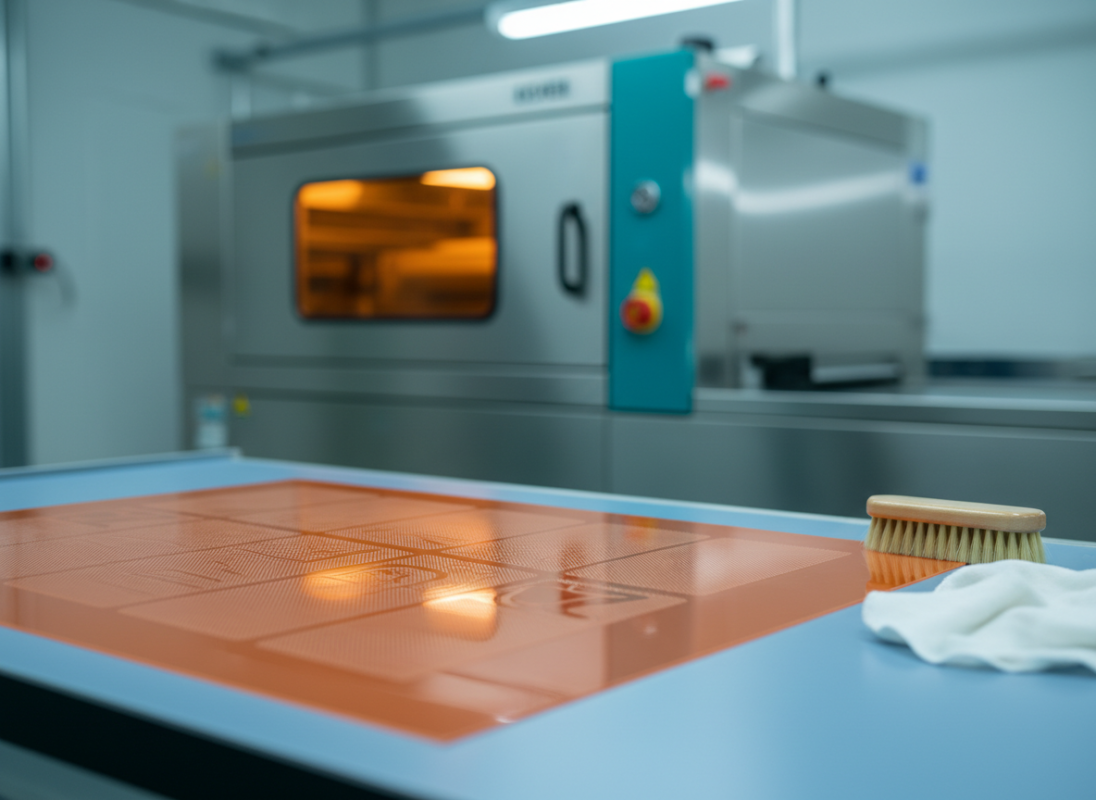
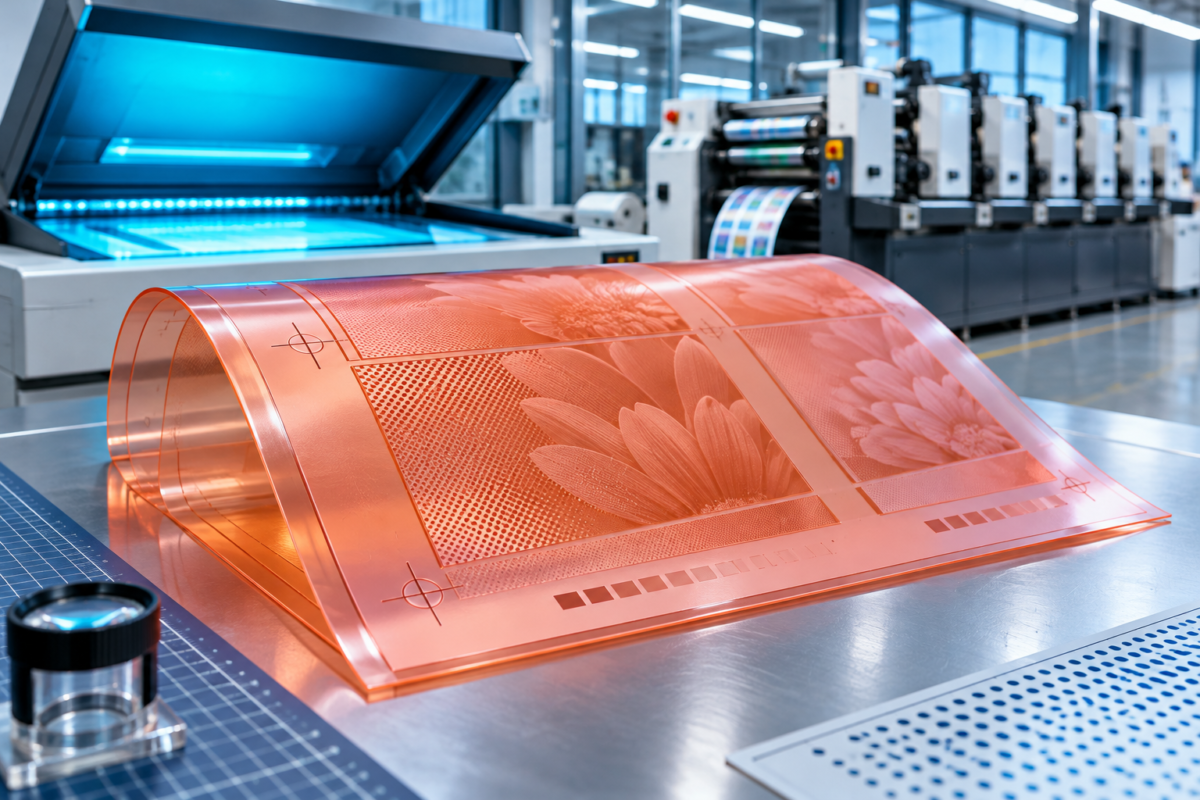
Plate lift, damaged highlights or incorrect mounting may produce missing detail or unstable register. Verify mounted plate condition before starting, and follow approved removal, cleaning and storage practices. For more detail, read our flexographic plate cleaning and storage guide.
4. Web tension and register control
Inconsistent unwinding, rewinding, idler condition or web-guiding signals can lead to wrinkles, drifting images and waste. Record tension profiles for repeat jobs and escalate persistent drift for inspection rather than compensating indefinitely with manual adjustments.
5. Drying and curing
Dryers or UV systems that run outside their specified settings can create ink rub, blocking or curing issues. Confirm airflow, appropriate temperature, approved UV system checks and ventilation. Specialist electrical or lamp tasks belong to trained service personnel.
Press model, serial number and operating-hours reading.
Date, technician, task performed, parts replaced and any test results.
Anilox roller IDs, cleaning history and condition notes.
Doctor-blade and seal replacement dates and reasons.
Print samples or measured color and register results for important jobs.
Recurring alarms, corrective actions and outstanding safety findings.
Frequently asked questions
How often should I clean an anilox roller?
Follow the ink, anilox and press manufacturers’ approved procedures. Light cleaning may be part of every job changeover; deeper cleaning is scheduled according to condition and use. One fixed interval will not suit every ink and roller.
Can operators service moving rollers?
No. Never reach into operating nip points or bypass guarding. Cleaning, adjustment or service must follow the facility’s approved isolation and lockout procedures.
Does preventive maintenance remove the need for print inspection?
No. Print samples, register checks and ink controls are still needed; a healthy machine can produce poor output if the process settings are wrong.
Conclusion
A consistent flexographic printing press maintenance schedule protects both machine condition and print quality. Focus on repeatable daily observations, planned inspections, safe maintenance and accurate records, then refine the intervals using real machine performance.